How Stampaki works
Three people use Stampaki: the owner who sets it up, the staff who scan, and the customer who collects. Here's each of their journeys.
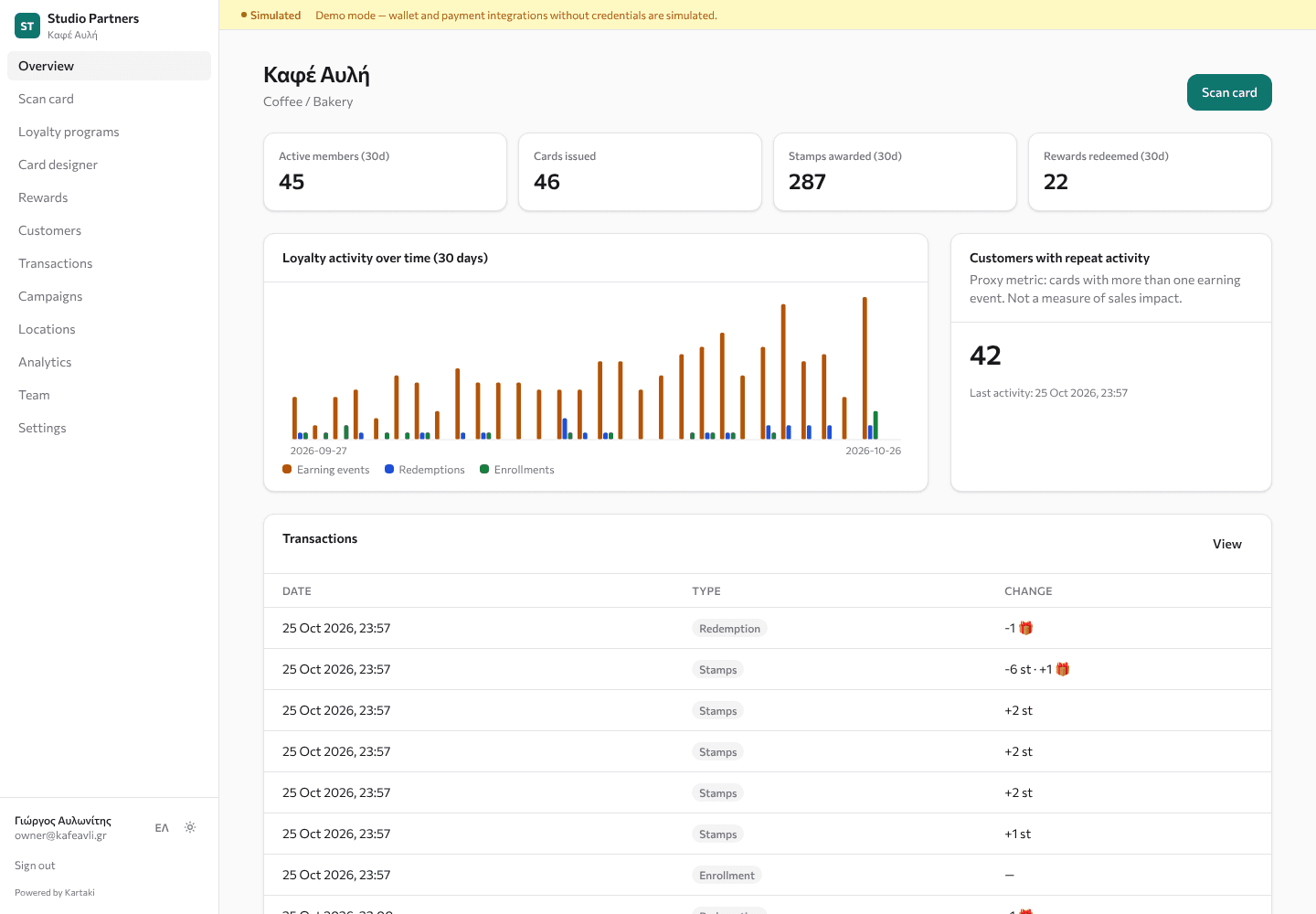
For the owner
Sign up and pick a template
Choose your industry; the matching template pre-fills rules, rewards and design.
Design the card
Adjust colours and stamp icons with live previews for web, Apple Wallet and Google Wallet.
Add stores and staff
Add locations, invite staff and assign them to their stores.
Print the enrollment QR
Each program has its own enrollment link and QR poster.
For the staff at the counter
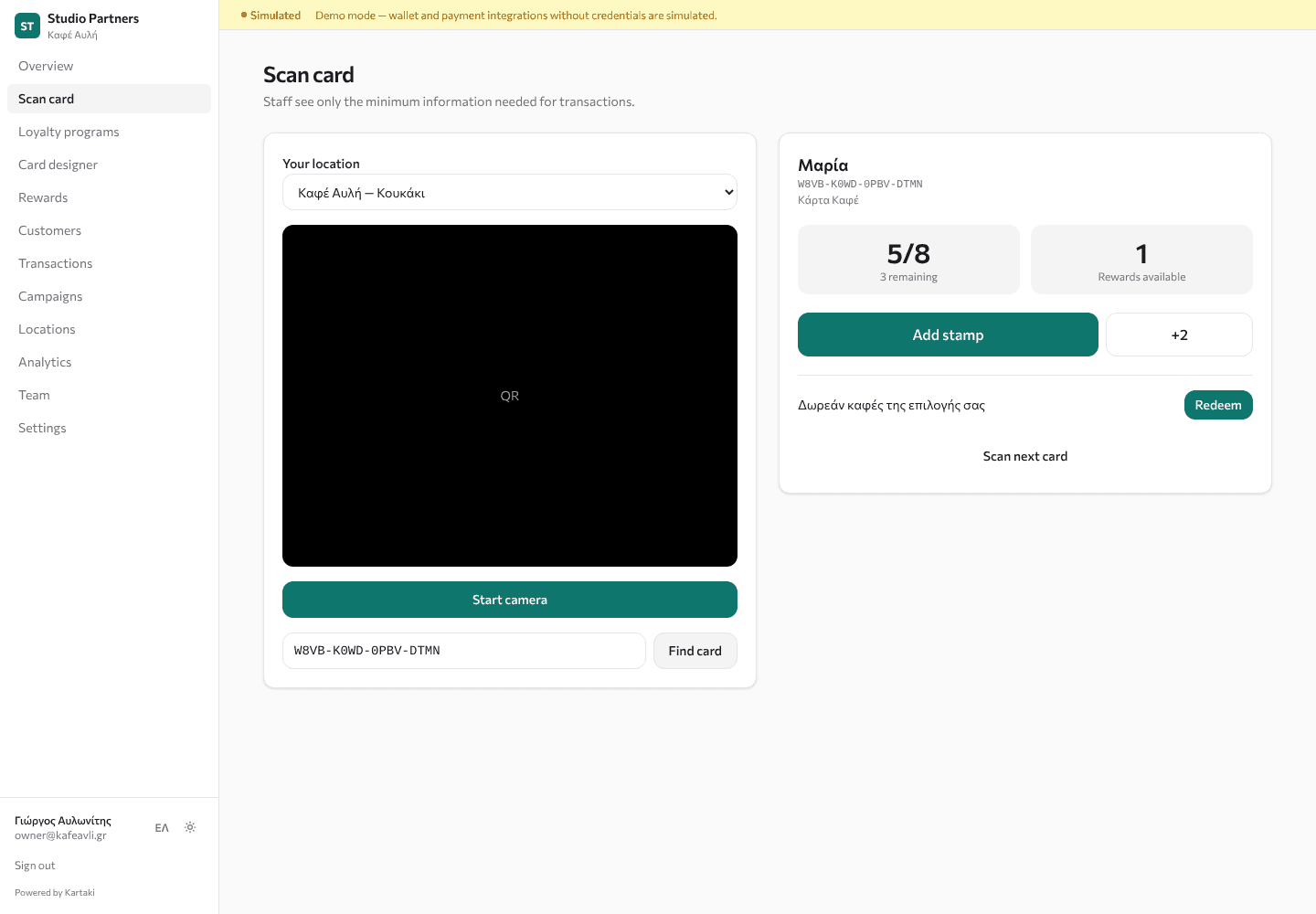
Open the scanner
Log in on a phone and choose the store.
Scan or type
Use the camera, or type the code under the QR.
Tap the action
Stamp, purchase amount, visit, check-in or redeem.
See the result
Updated balance and 'reward unlocked' appear instantly.
For the customer
Scan the poster
The phone camera opens your branded sign-up page.
Join in a minute
First name, optional email, privacy and terms ticks, and an optional yes to offers.
Keep the card
A web card opens immediately; they can add it to Apple Wallet or Google Wallet.
Collect and redeem
Show the QR at the counter; see progress update and rewards unlock.
Every visit counts.
Simulated card for demonstration. Real cards are issued to customers by participating businesses.
Avli Coffee — Coffee card
One stamp per drink. The 8th coffee is on the house, and extra stamps roll over to the next card.
Simulated card — not a real Wallet pass